Please visit our channel & subscribe: https://youtube.com/dhakawebhost
Step 1: To register a domain place your mouse on "Domain" in menu bar then select "Domain Registration".
Step 2: Here select "I want Dhaka Web Host Ltd to register a new domain for me". Then enter your desired domain in the box given below and choose what will be the suffix of the domain(Ex: .com/.org/.bd etc).
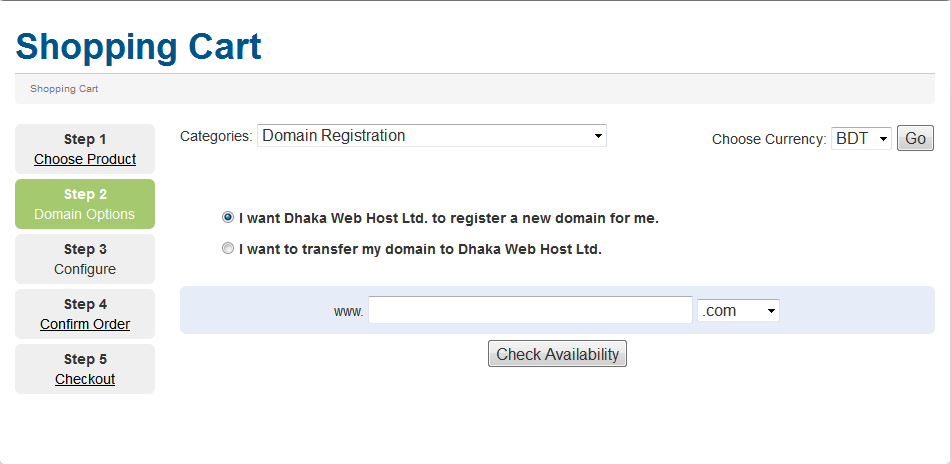
Step 3: Press the "Check Availability" button.
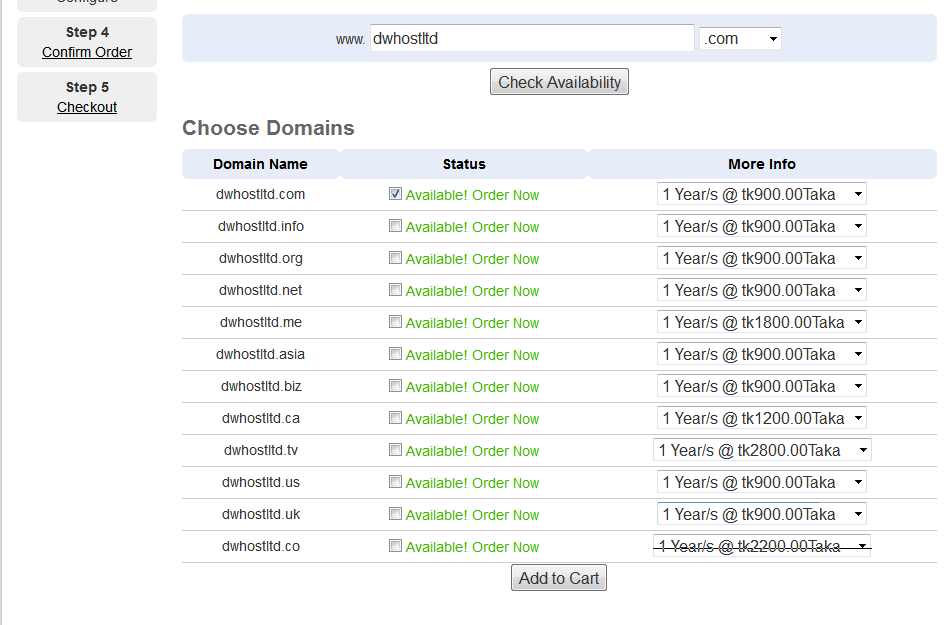
Step 4: Then a list will be show below if your domain is available or not. If available then click "Add to Cart". If the domain is unavailable please choose another name and continue the process.
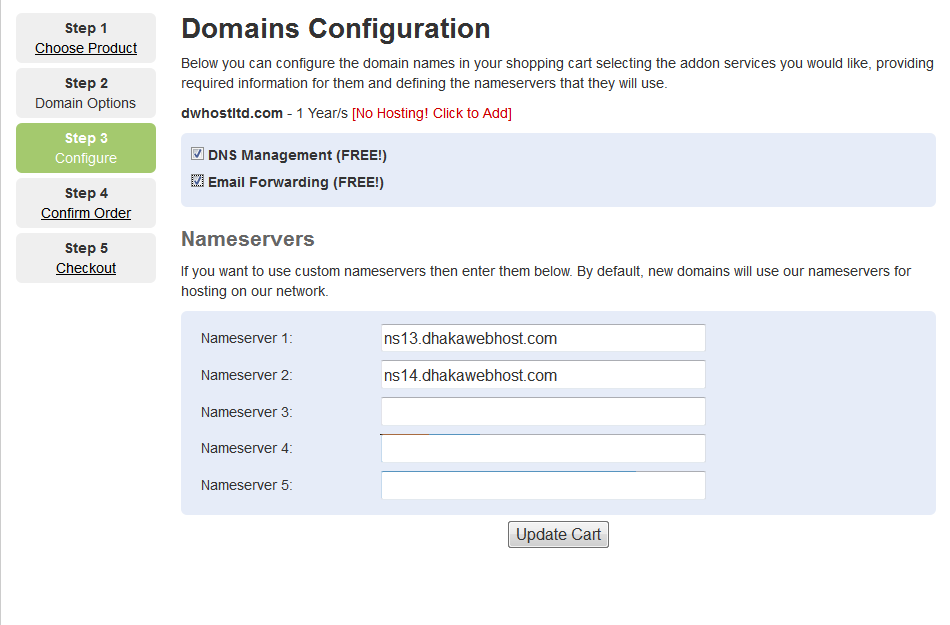
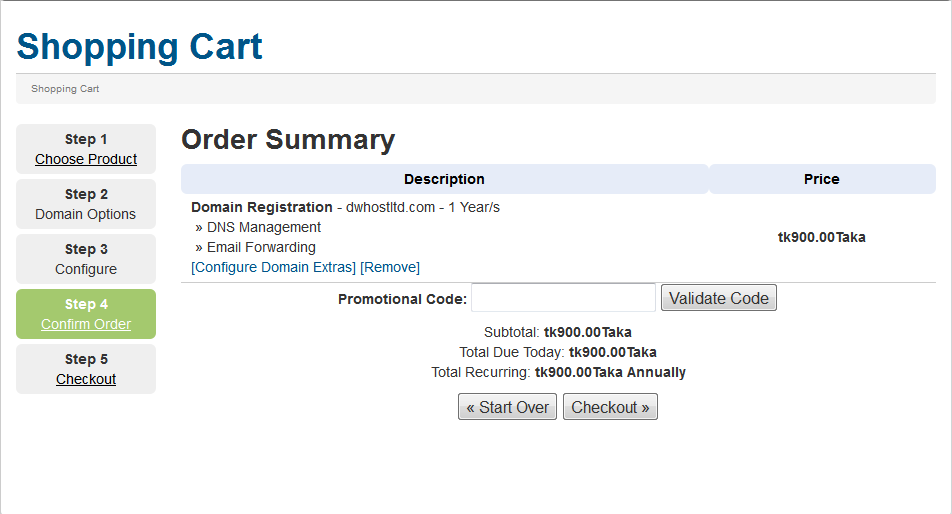
Step 5: Select both "DNS Management & Email Forwarding". Leave the nameserver portion just click "Update Cart".
Step 6: Just click "Check Out".
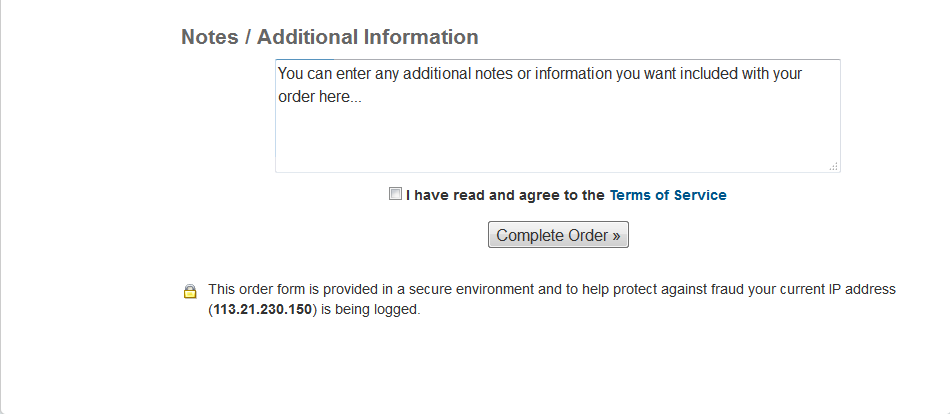
Step 7: In this page fill up all the fields with your proper information. Select our "Terms of Service" then finally click "Complete Order". That's it!!! You are done.